Navion Under the Hood
Seven operational steps that replace manual checking, spreadsheets, and guesswork - without changing how dispatch works.
Collect Data From Every Source
- Automatically logs into customer portals to pull tank readings on a schedule.
- Parses tank readings from emails, attached files, spreadsheets, and PDFs.
- Ingests sensor/ATG data when available.
- Streams all readings into a single intake queue.
DATA SOURCES
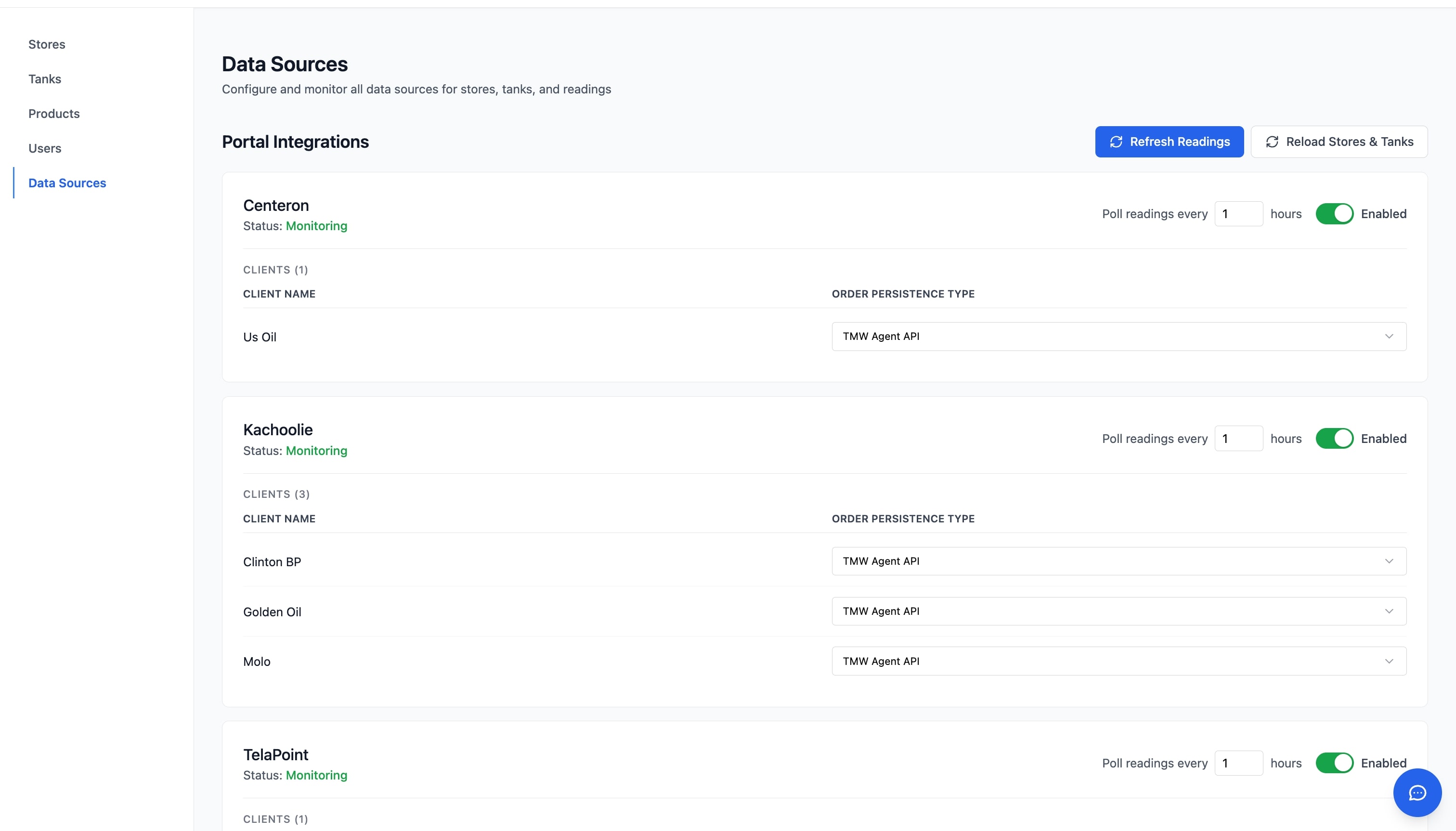
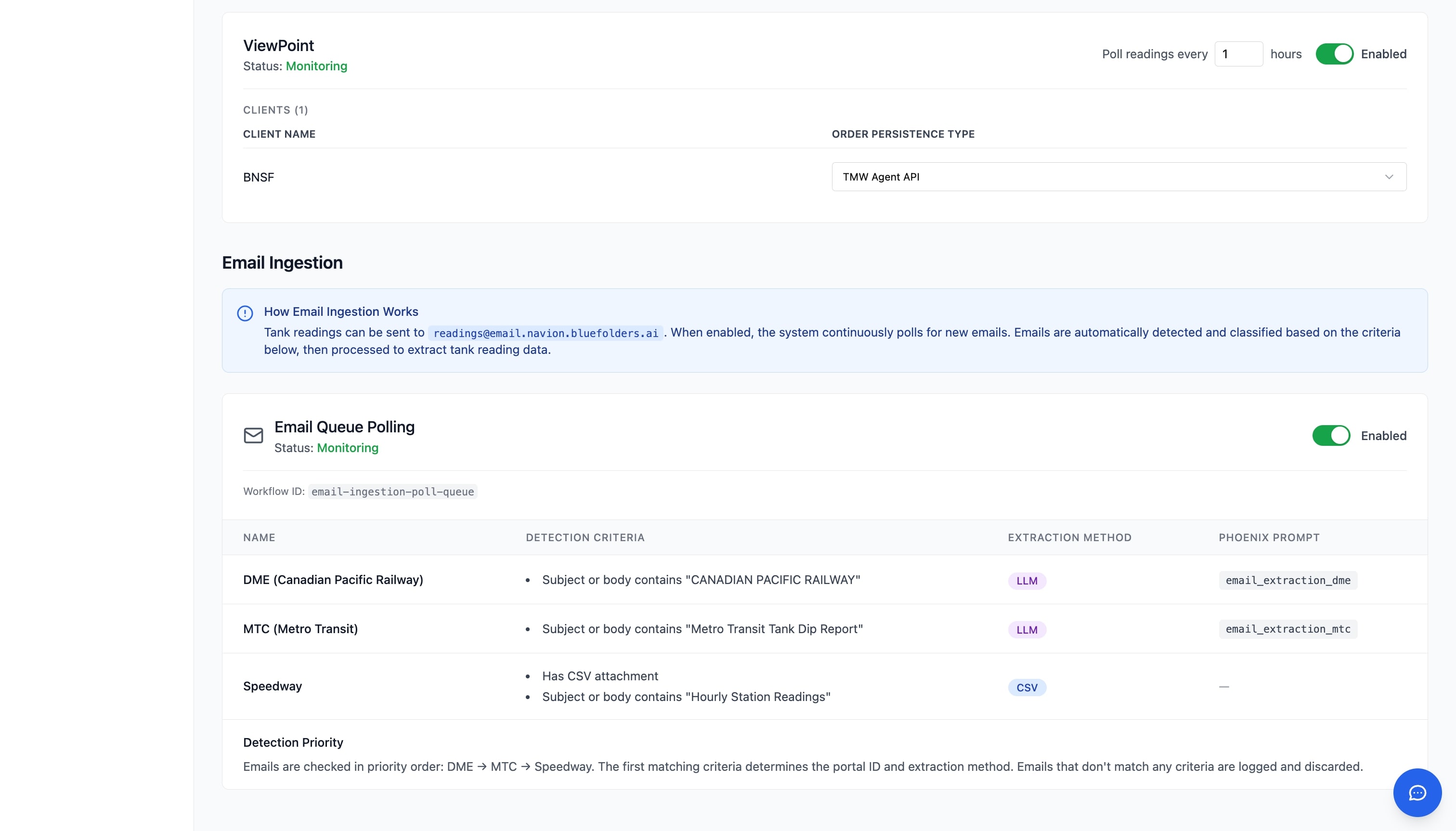
DATA SOURCES
Normalize Tank Data Into a Single Model
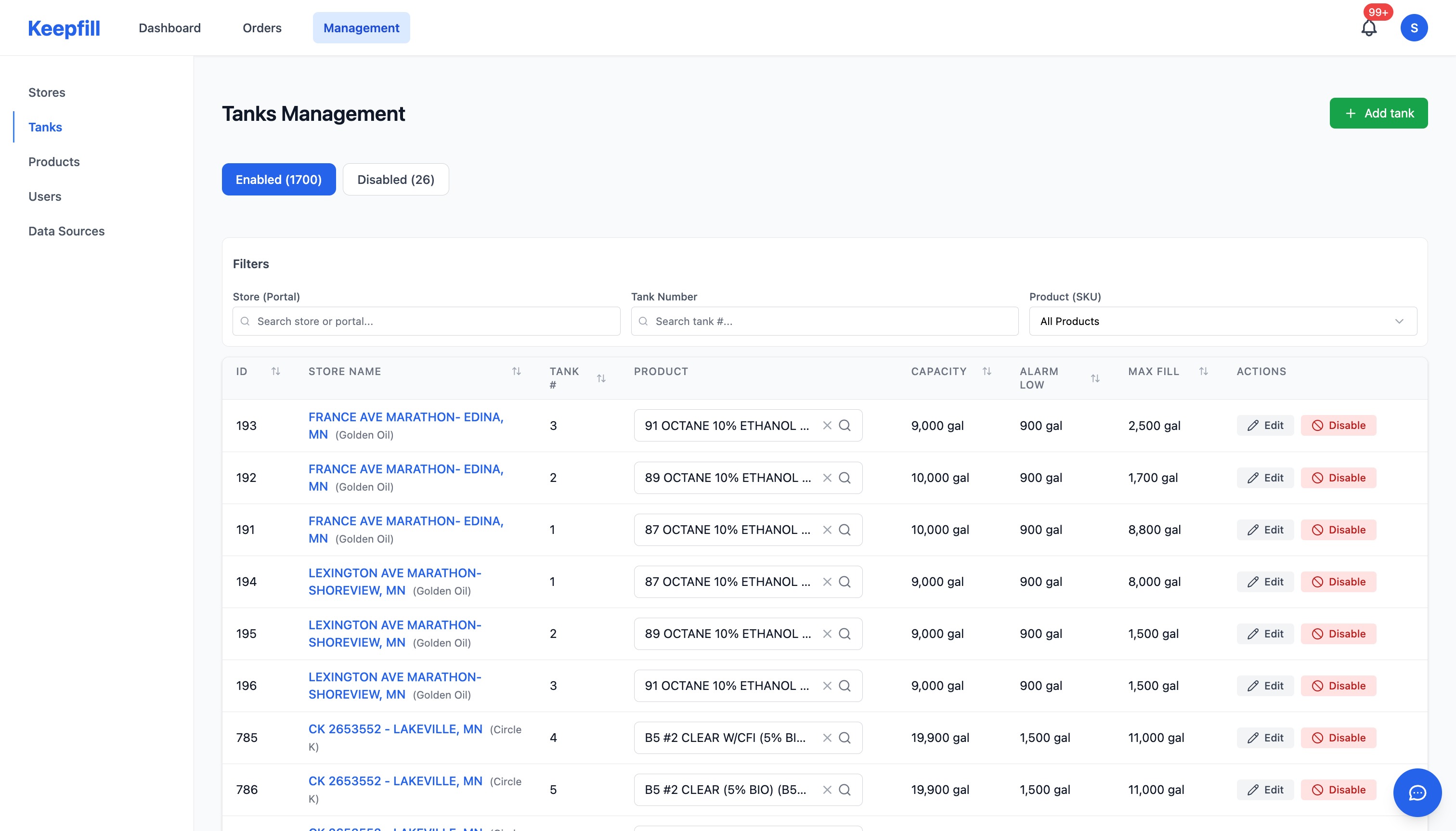
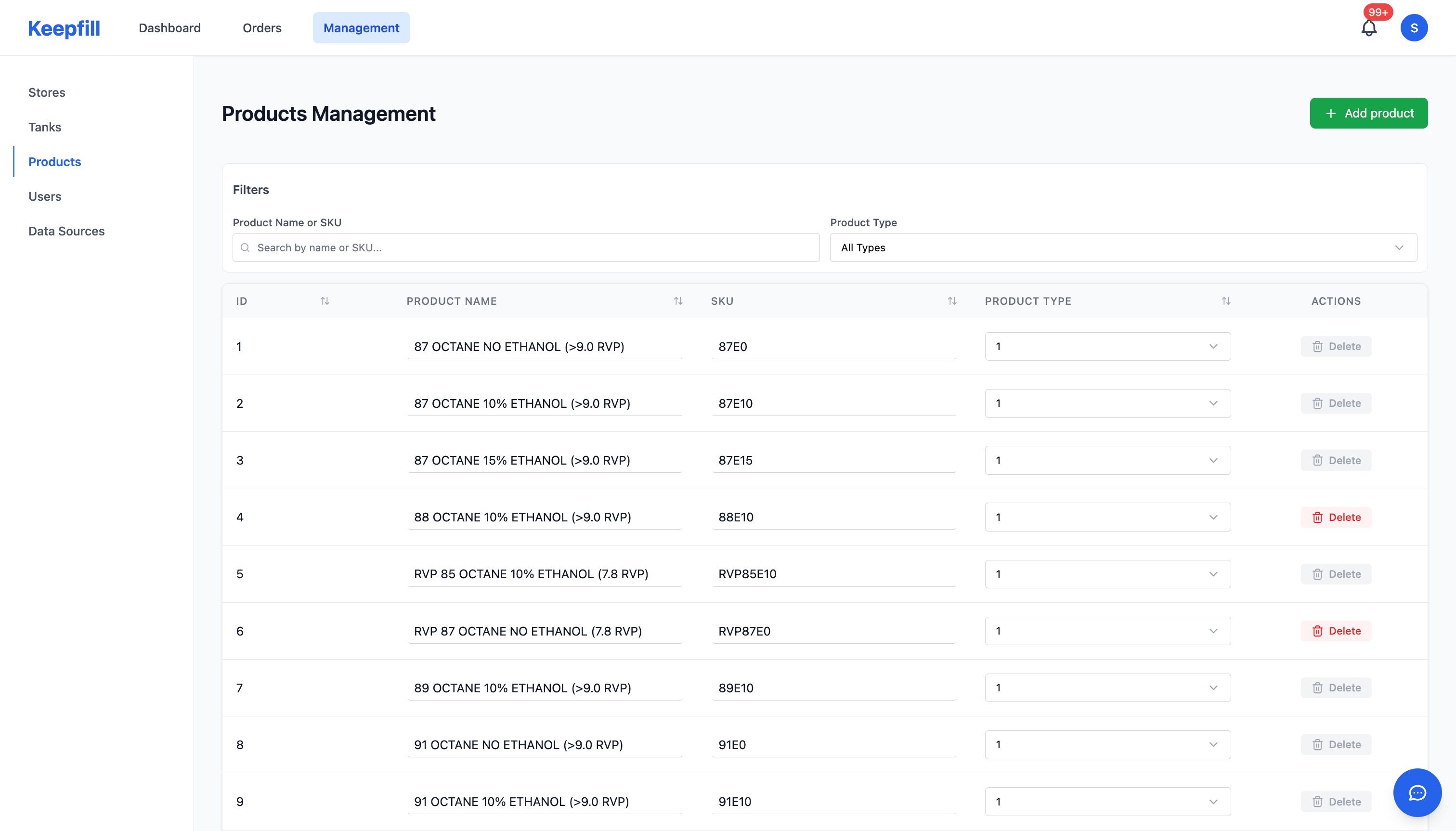
- Resolves tank identity across different systems and naming conventions.
- Converts all levels and volumes into consistent units.
- Applies min/max thresholds and product mappings per tank.
- Produces a clean, consistent 'tank object' the rest of the system can rely on.
RAW
"Tank #4 - Diesel"
74% Full
NORMALIZED
ID: T-904
3,400 / 12,000 gal
Standardized units and identities
RAW
"Tank #4 - Diesel"
74% Full
NORMALIZED
ID: T-904
3,400 / 12,000 gal
Standardized units and identities
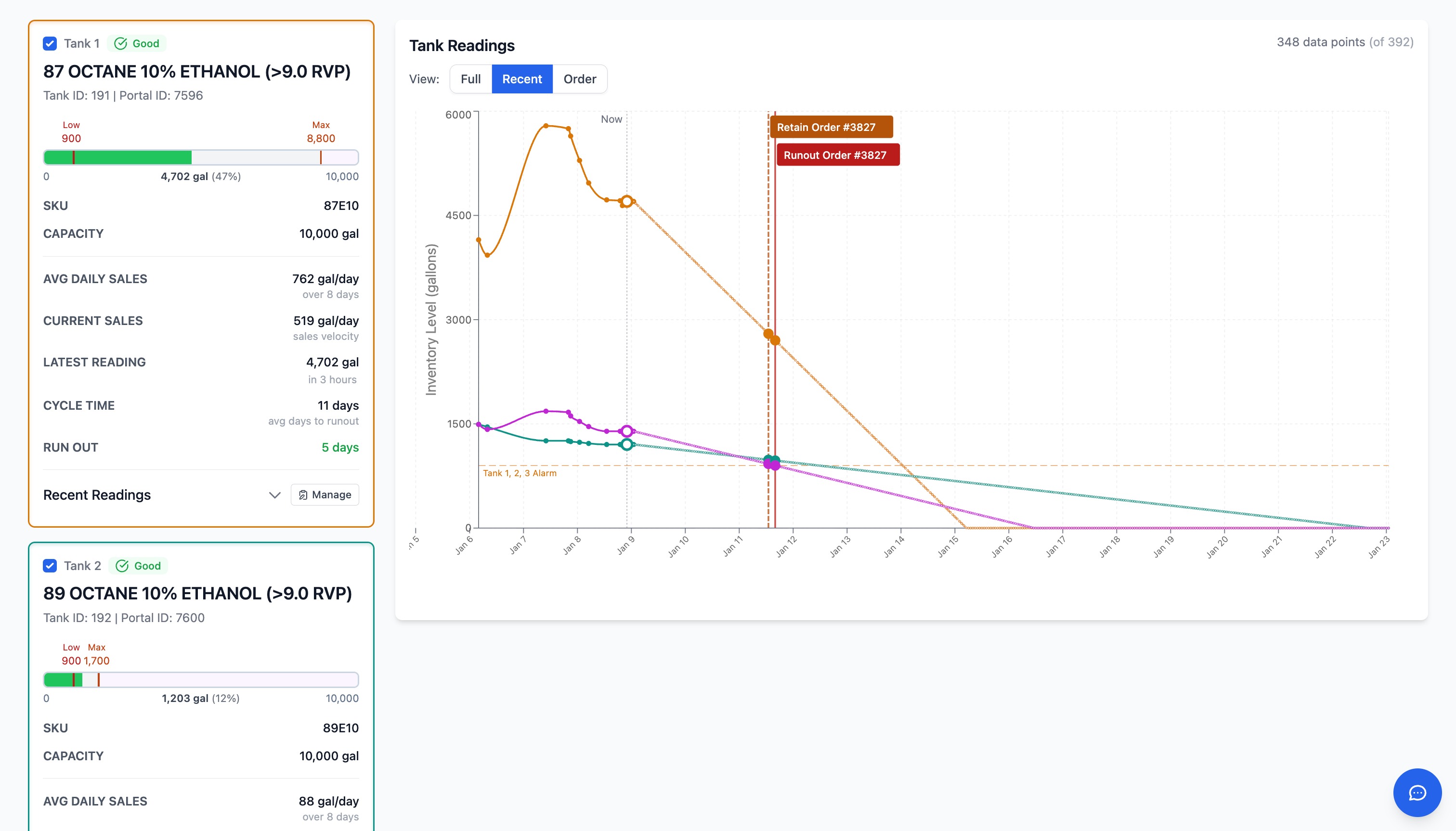
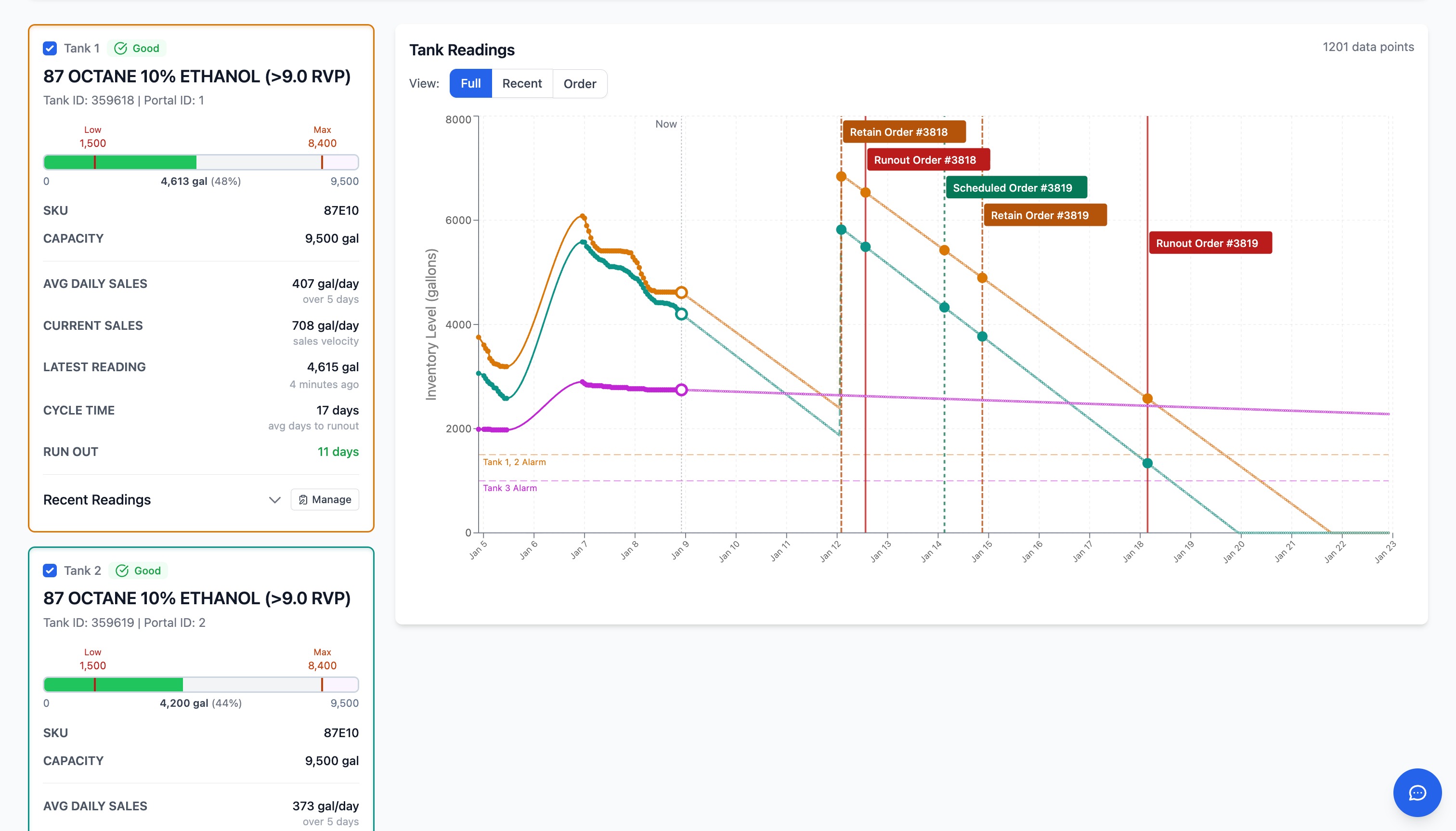
Predict Burn Rate & Run-Out Risk
- Uses historical patterns and current levels to estimate consumption velocity.
- Calculates earliest and latest safe delivery windows for each tank.
- Assigns a priority score indicating run-out risk and urgency.
- Highlights tanks that are at risk or trending out of bounds.
Run-Out Prediction Model
Run-Out Prediction Model
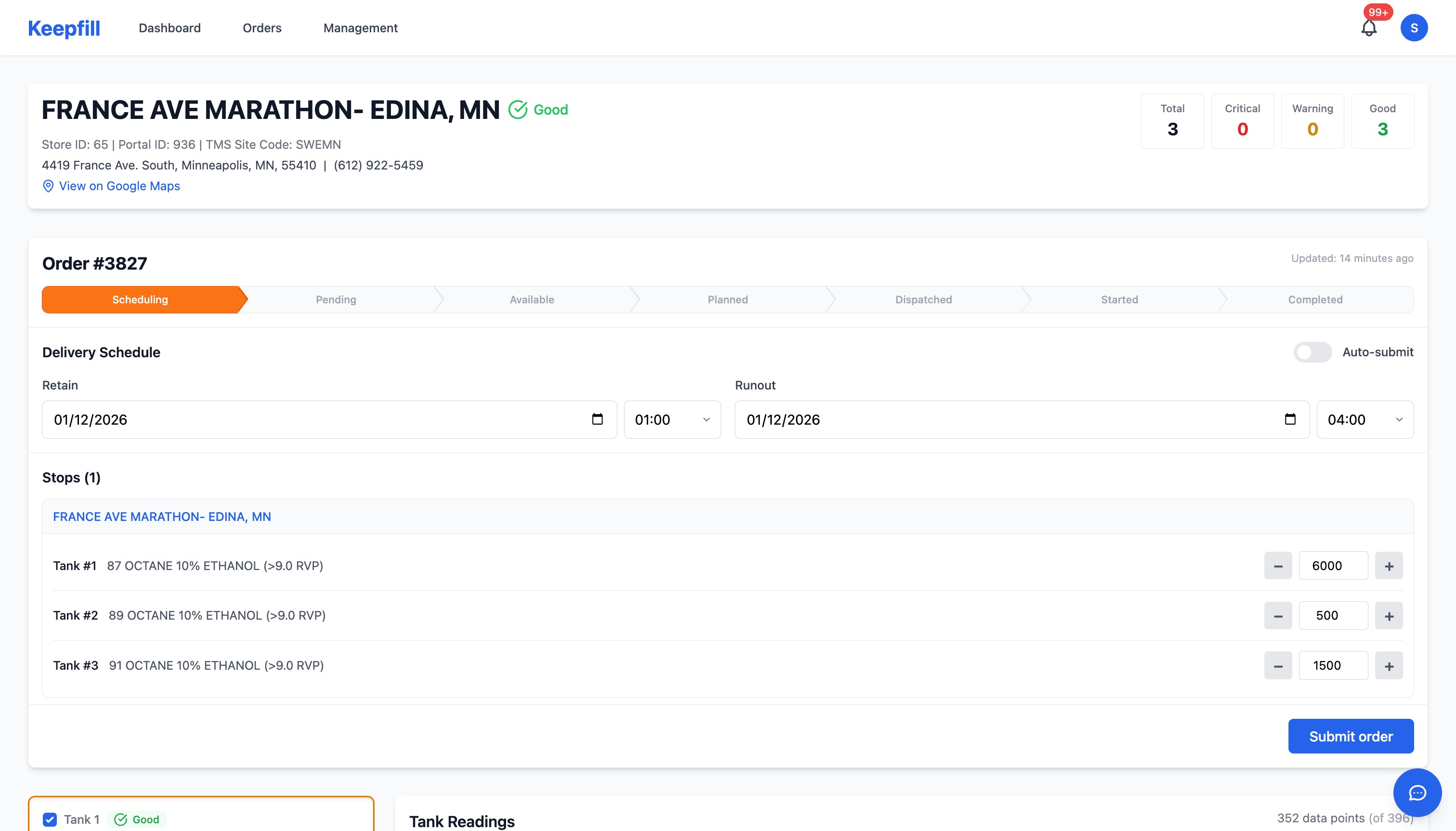
Auto-Create Replenishment Orders
- Proposes orders with recommended product, quantity, and drop time.
- Bundles nearby tanks and compatible products into efficient loads.
- Uses ullage, minimum load sizes, and customer constraints in its calculations.
Schedule Orders Around Dispatch Realities
- Aligns orders with dispatch working hours and shift boundaries.
- Respects terminal cut-off times and known bottlenecks.
- Uses customer delivery windows and any site-specific constraints.
- Produces a chronological run sequence that can be fed into dispatch.
Dispatch Shift Optimization
Dispatch Shift Optimization
Feed Orders Into Your Existing TMS
- Exports or syncs confirmed orders into your current dispatch or TMS tools.
- Designed to work alongside systems like TMW rather than replacing them.
- Keeps Navion's automation layer loosely coupled so IT can control integration boundaries.
Dispatch
Dispatch
Human Review Keeps Dispatchers in Control
- Dispatchers see a list of proposed orders and schedules.
- They can accept, tweak, or reject any proposal with a single action.
- Every decision is logged, creating a full decision history.
- Over time, their adjustments improve future recommendations.
Order #882
7,500gal Diesel to Site 402
Order #882
7,500gal Diesel to Site 402
Governed by Outcomes
Every Action Is Auditable
Every automated decision is logged with full context (who, what, when, why). Human-in-the-loop approvals are built in where your policies require them. Rollback and version history make changes safe and reversible. Governance aligns with modern AI risk and compliance frameworks.
Book a demoHow Navion Fits Into Your Existing Environment
- Runs as a cloud-native service designed to work with your existing stack.
- Integrates with your identity/permissions model and respects role-based access.
- Designed to run within your security and compliance posture, rather than forcing a rip-and-replace.